

Connect your factory floor. Choose where the data lives.
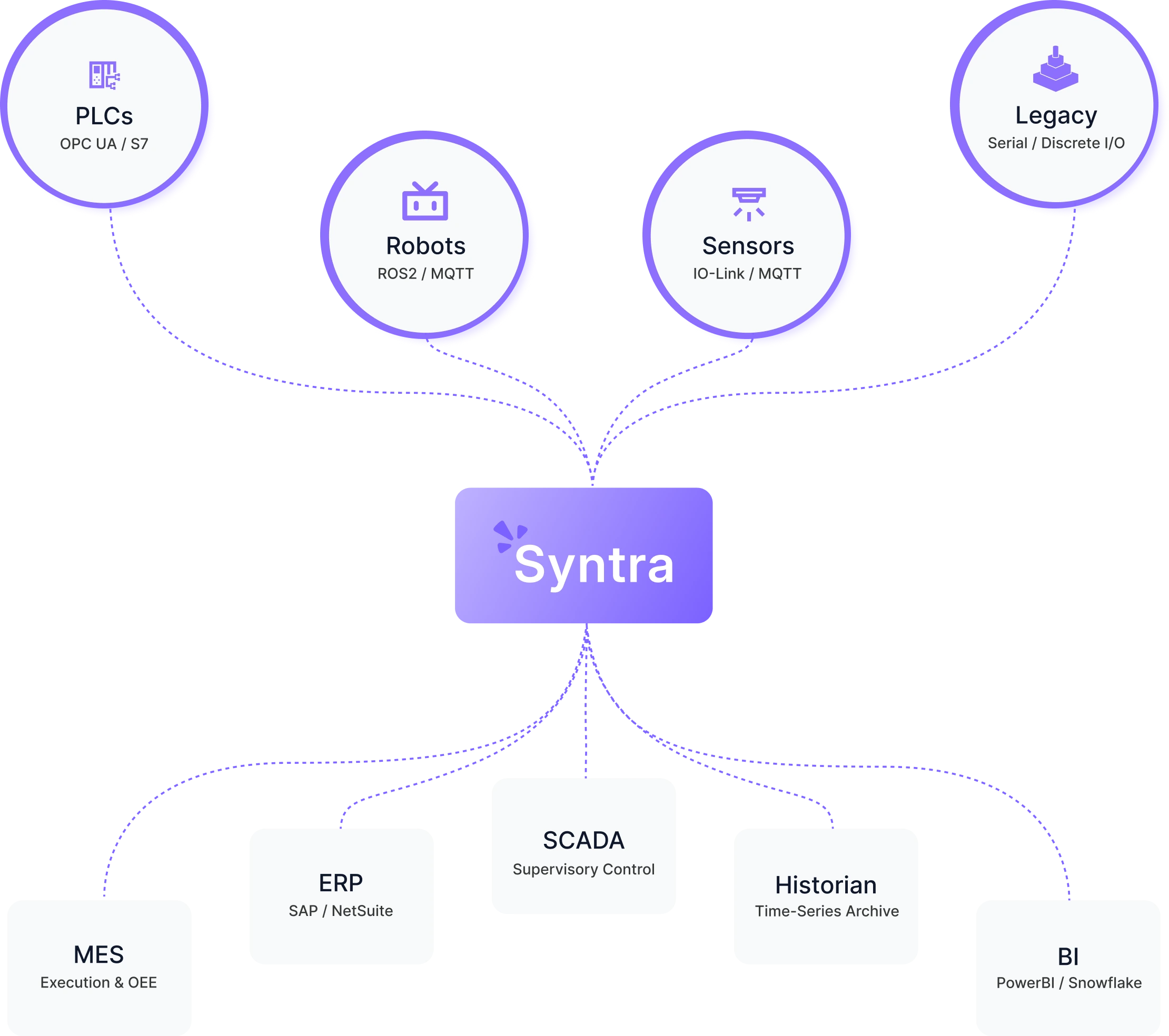
Syntra connects PLCs, robot controllers, sensors and other floor equipment into one system, live dashboards, automated response and 3D context, and runs cloud-hosted, hybrid, or entirely inside your own network.
Most of what happens on your floor never reaches a screen.
PLCs, robot controllers, sensors and vision systems generate data continuously, but it stays local: readable at the machine, invisible everywhere else. Getting the full picture means walking the floor, checking several HMIs, or waiting for a shift report.
The equipment doesn't need replacing. The connection between it does.
Most operations already run PLCs, SCADA, an MES, maybe a historian, each isolated from the rest. Syntra sits alongside them, turning what they already produce into something a person can see and act on.
What Syntra actually does
Syntra connects production equipment, PLCs, robot controllers, sensors, vision systems, legacy devices, and turns that connection into real-time dashboards, automated rule chains, and 3D digital twins. It integrates with what you already run, MES, ERP, SCADA, historians, BI tools, and deploys cloud-hosted, hybrid, or entirely on your own network.
Overview
Gateways
Protocol translation & edge processing
Dashboards
Real-time visualization & telemetry
Rule Chains
Event-driven automation & logic execution
Digital Twins
Digital-mirroring & shadow state
More Services
Customize your quick access services
Devices
Gateways
Rulechains
Recent activity
Equipment that was never built to report anywhere, connected anyway
Most floor equipment speaks a protocol that was never built to leave the machine, or is old enough that no one expects it to report anywhere. Syntra connects through gateways using OPC UA, Modbus and native Siemens drivers, reaching PLCs, robot controllers, S7-series controllers, sensors, vision systems and legacy devices, without reprogramming or replacing any of it.
Every gateway, device and tag is organized by project, so its data is available anywhere in the platform, not locked to one dashboard.
The problems a connected floor actually solves
Each follows the same pattern: a real problem, the mechanism that addresses it, and what changes for your team.
See production, not just machine states
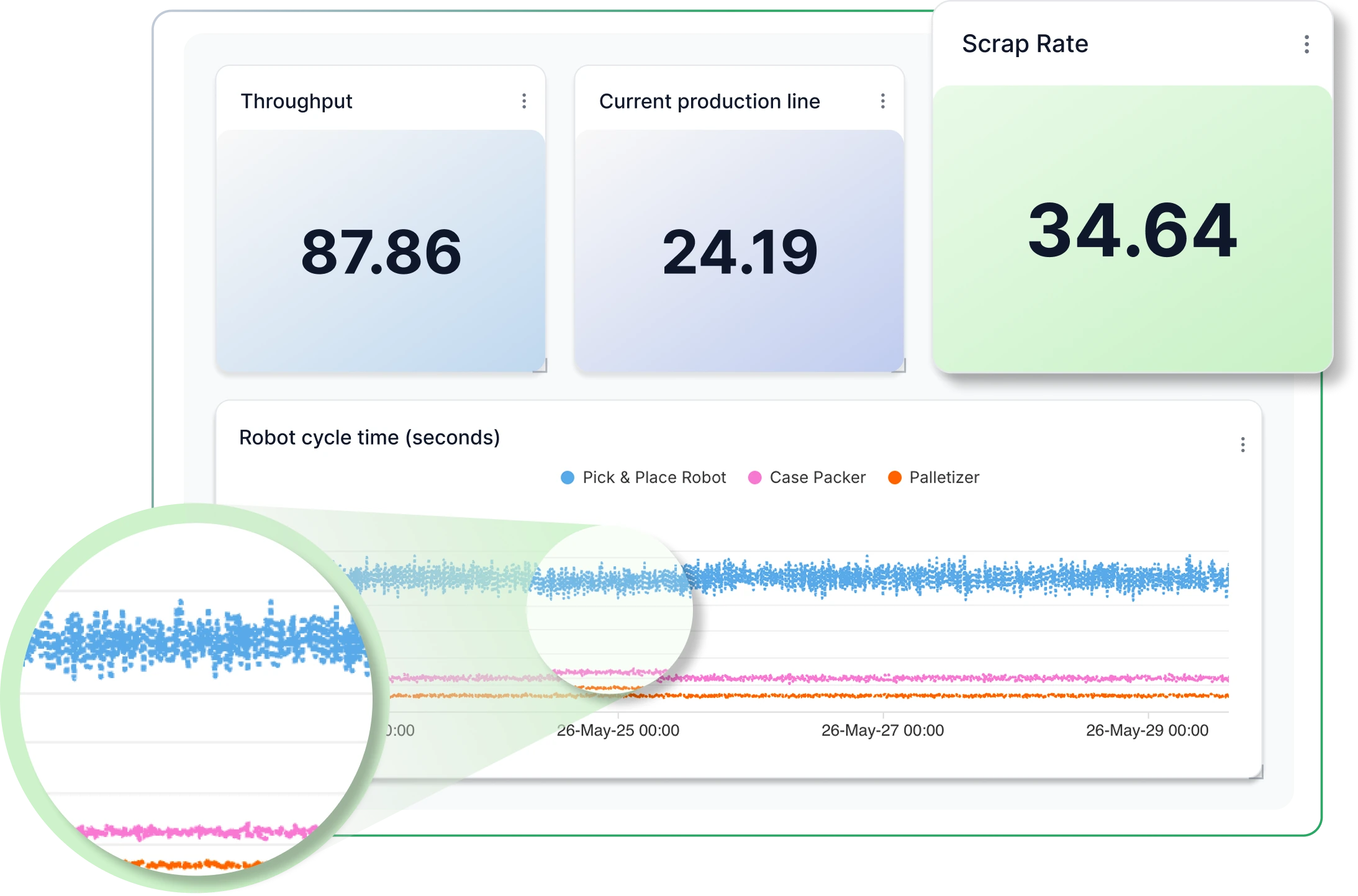
Production data usually lives on individual HMIs and end-of-shift reports, so a stoppage shows up only after it's cost time. Dashboards in Syntra are built from live tags, throughput, cycle time, downtime, scrap rate, active alarms, refreshed continuously and configured per line or machine. Your team watches production happen instead of reconstructing it afterward.
Find developing problems before they become failures
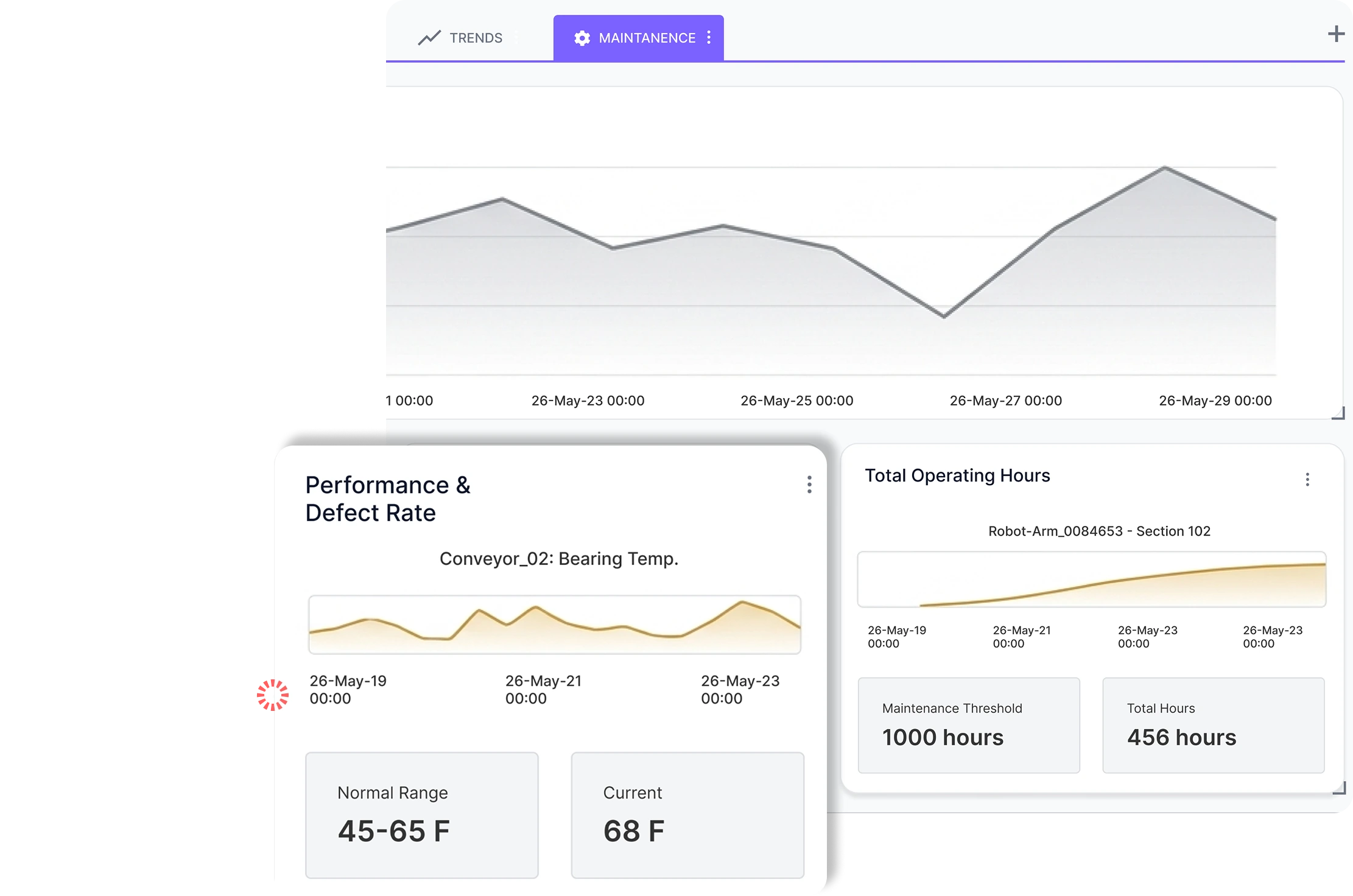
Equipment monitored reactively means a failure is usually discovered only after performance has degraded, or after something has broken. Syntra compares live equipment data against configured operating ranges to surface early changes in behavior, more time to plan, not a guarantee every failure gets caught.
See how performance is changing, not just where it stands today
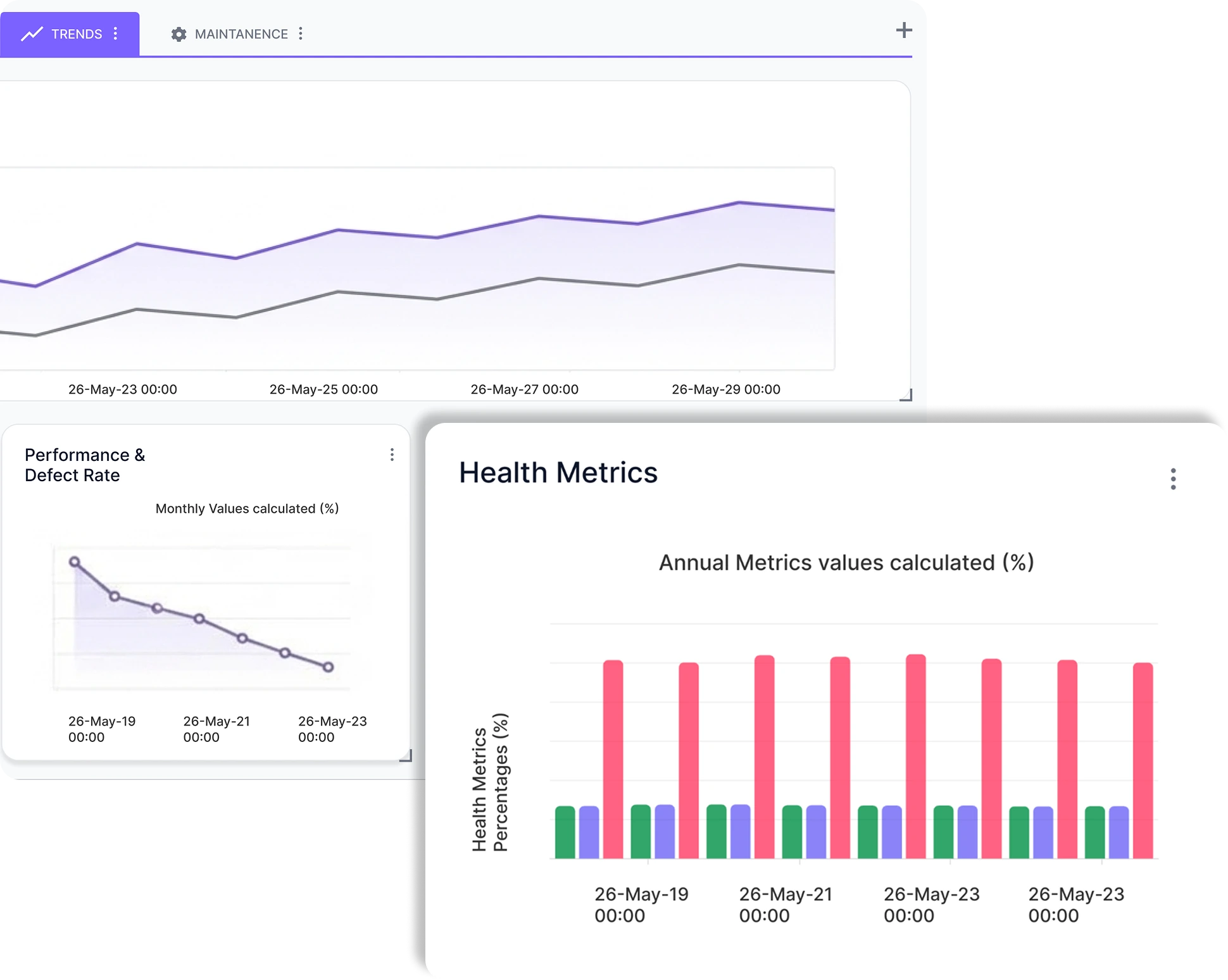
A single day's numbers don't say much, whether scrap is climbing or downtime is concentrated in one shift only shows up over time. Syntra's trend views chart throughput, downtime, scrap rate and other tags across days and weeks, so patterns and developing inefficiencies become visible instead of buried in daily reports.
Find the asset that needs attention, not the tag ID
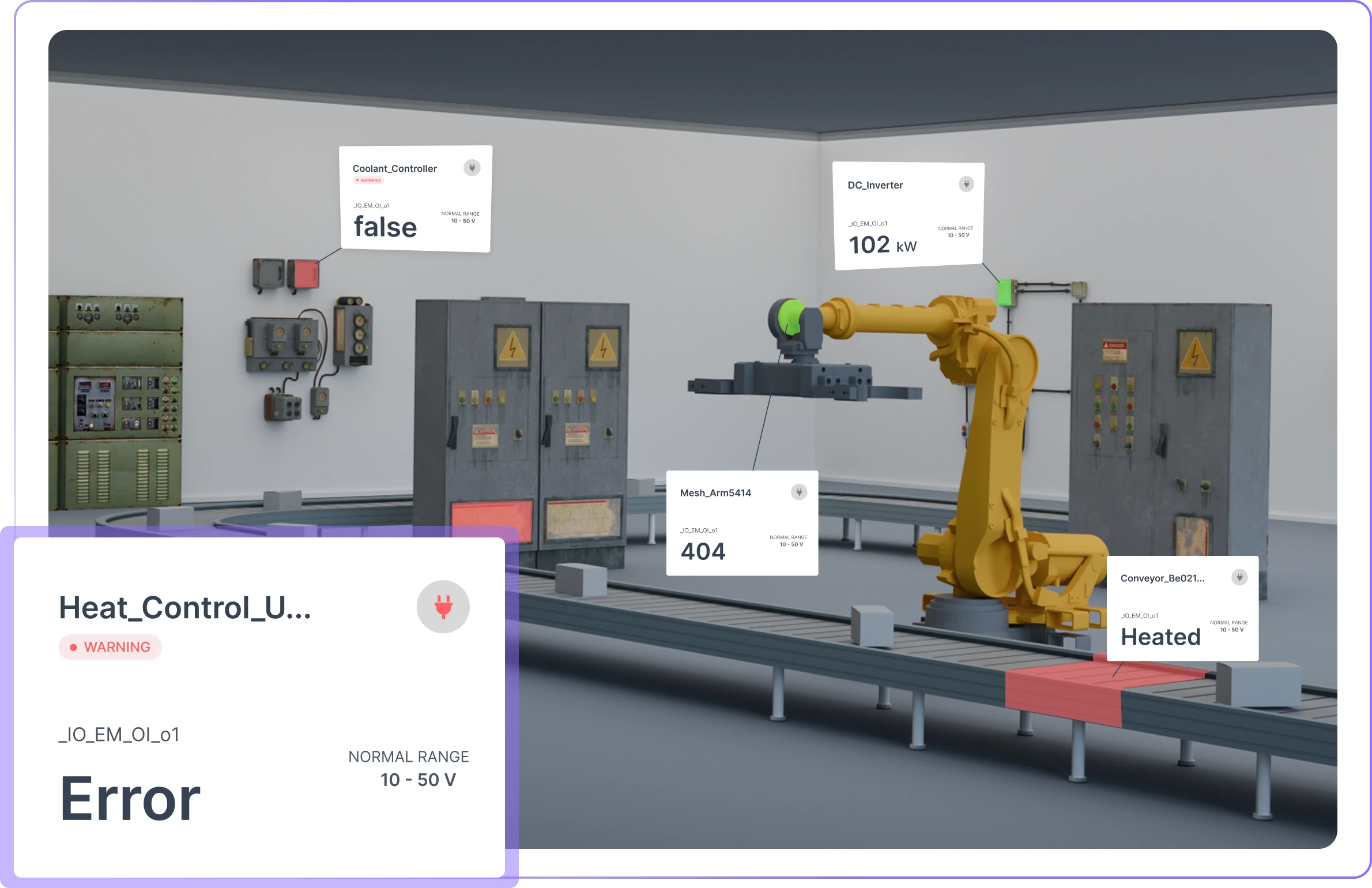
A warning that shows up as a tag ID in a table doesn't tell anyone which machine to walk over to. Live tags bind directly to equipment meshes in a 3D model of your line, so warnings appear on the physical asset itself, with configurable ranges and per-mesh alerts. Whoever's responding finds the right equipment immediately, not after cross-referencing a spreadsheet.
One view of everything connected, as it grows past one line
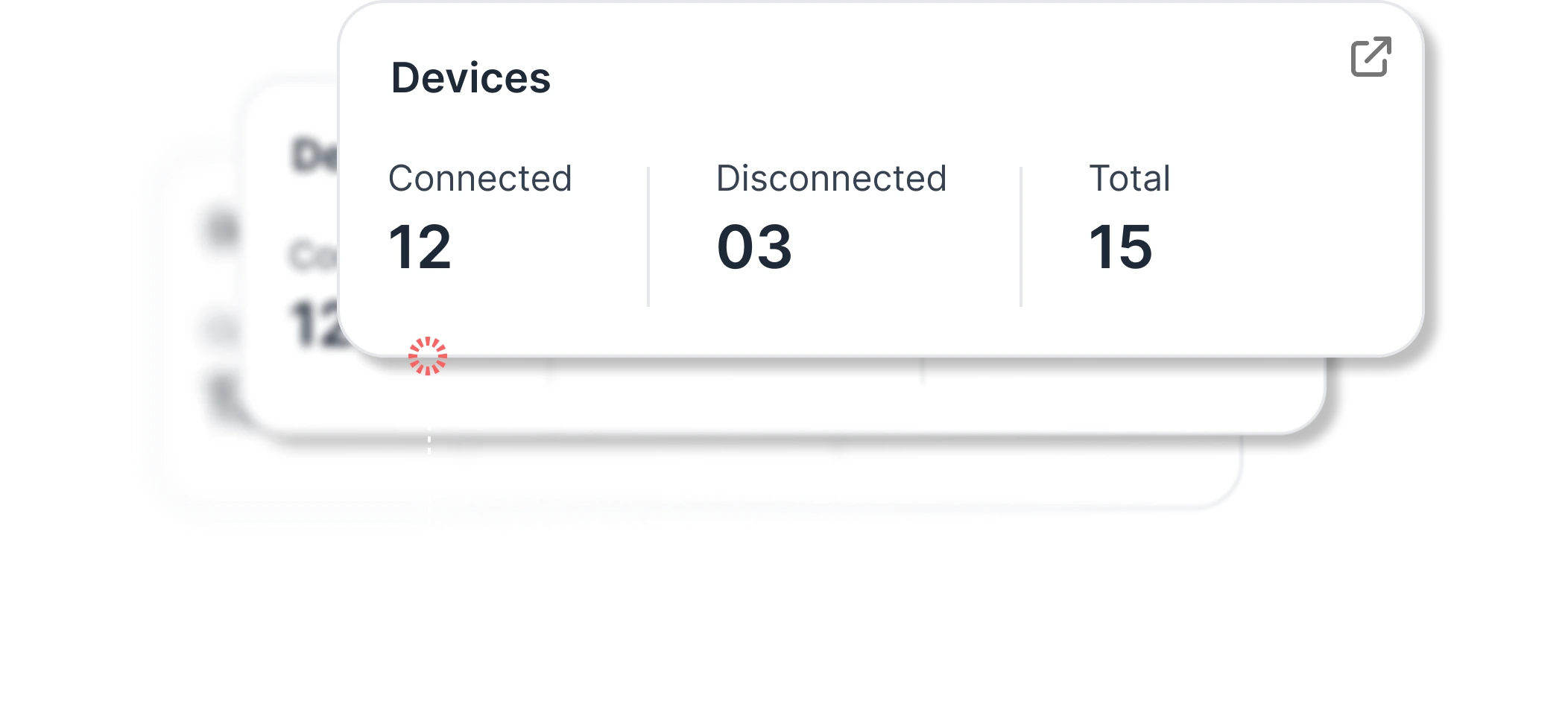
Past a single line, no one has a single view of what's connected, what state it's in, or who can access it. Syntra keeps a centralized, access-governed register of every gateway, device and tag, so a growing deployment stays visible without hunting through gateways one at a time.
The same response, every time, without someone watching
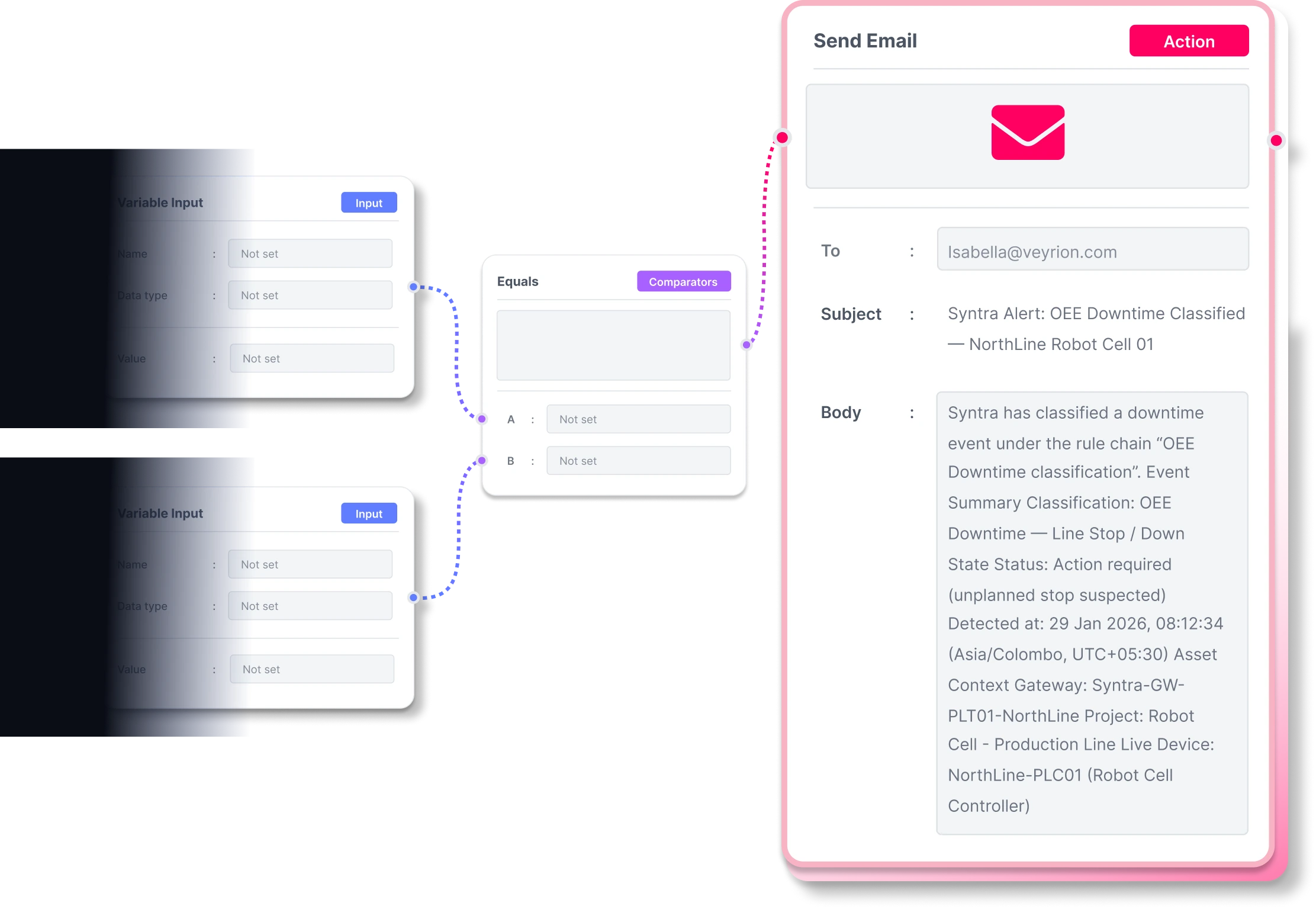
Responding to a developing condition usually depends on someone noticing it and escalating manually, inconsistent across shifts. Syntra's rule chain engine connects live tag conditions to actions, alerts, notifications, downtime logging, through a visual, no-code editor. A working rule chain exports as JSON and reuses on another line instead of rebuilding from scratch.
Guided help, wherever you're working
Ask Syntra answers "how do I..." questions in context, connecting a gateway, resolving a disconnected device, building a rule chain, with step-by-step guidance instead of a support ticket.
Choose where your data lives
Syntra deploys three ways, and the choice is architectural, not a workaround.
Cloud-hosted
Syntra manages updates and operation, giving you streamlined access to the platform and your operational data.
Hybrid edge-to-cloud
Local gateways handle connectivity at the edge, with centralized access to applications and data through the cloud.
Fully on-premises
Installed and operated inside your own network, with no dependency on an outside provider staying online.
For sites where production data can't leave the building, whether for security policy, contractual terms, or operational risk, on-premises isn't a limited version of Syntra. It's the same platform, configured to run on infrastructure you control.
Industries
Manufacturing is where Syntra is designed to run. These sectors reflect the equipment and protocols it connects to.
Manufacturing
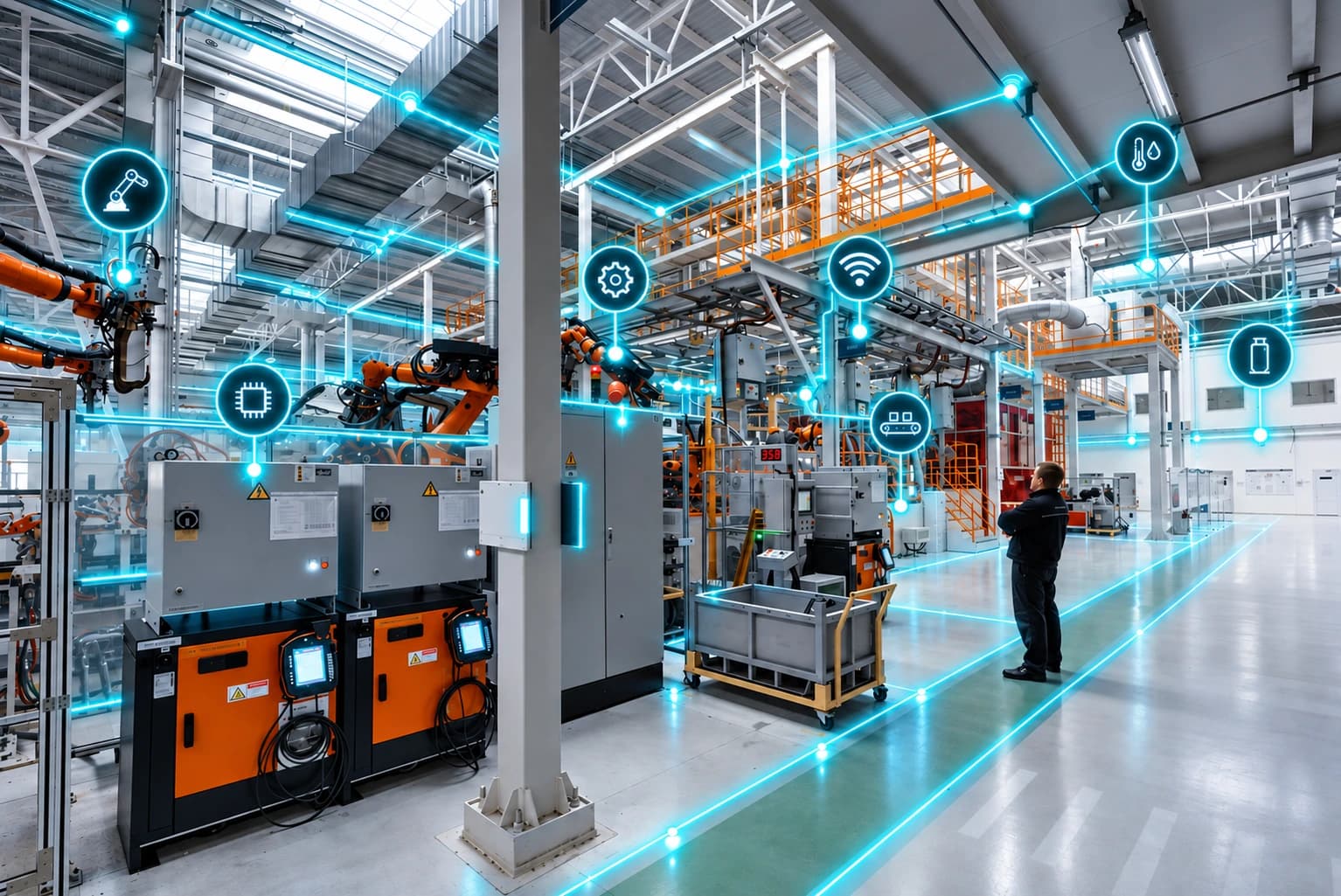
Connect PLCs, robot controllers and process equipment across a production line for one operational view of what's running and what isn't.
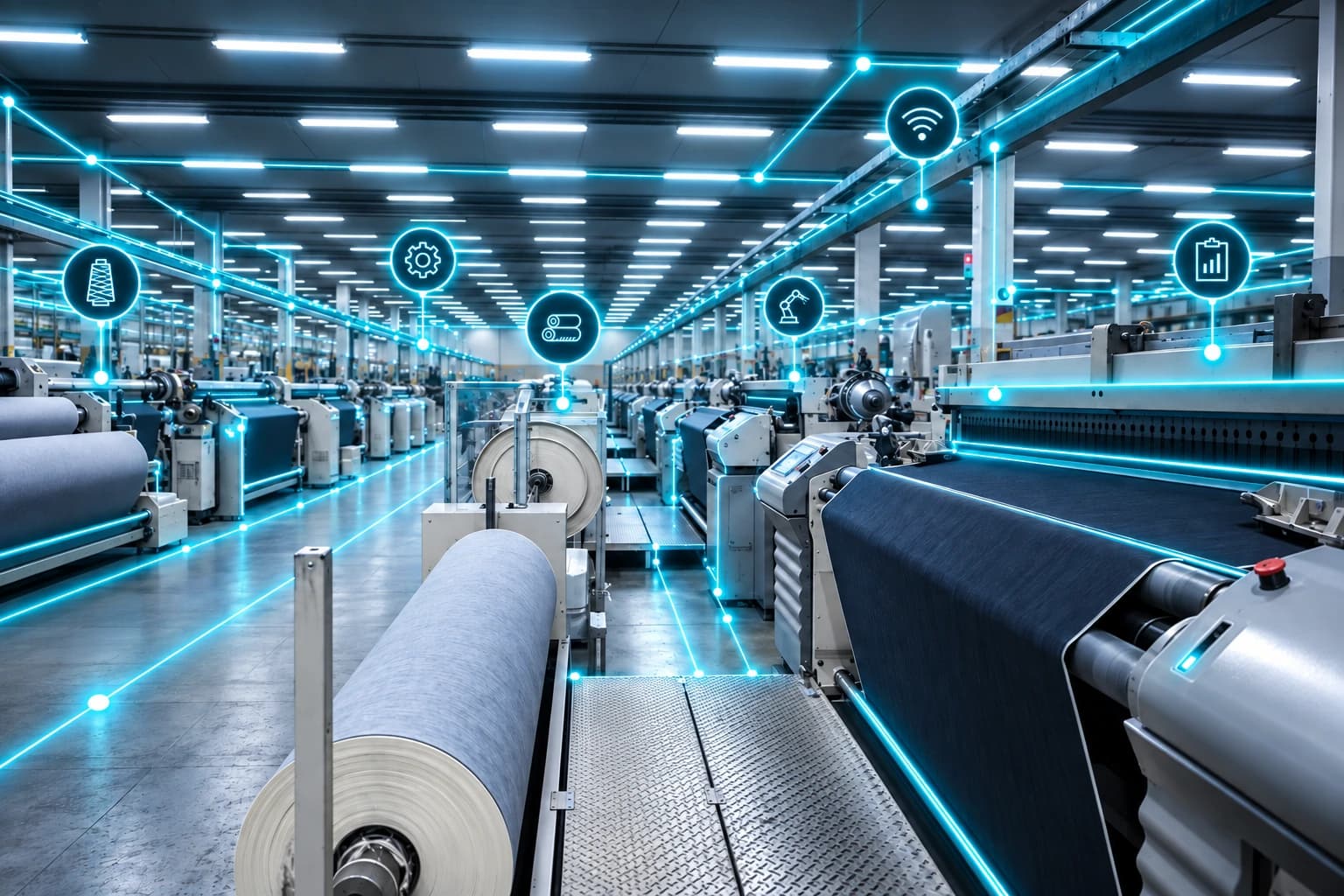
Apparel
Bring cutting, sewing and finishing equipment onto the same platform as your vision and inspection systems, so quality checks and machine data sit in one place.
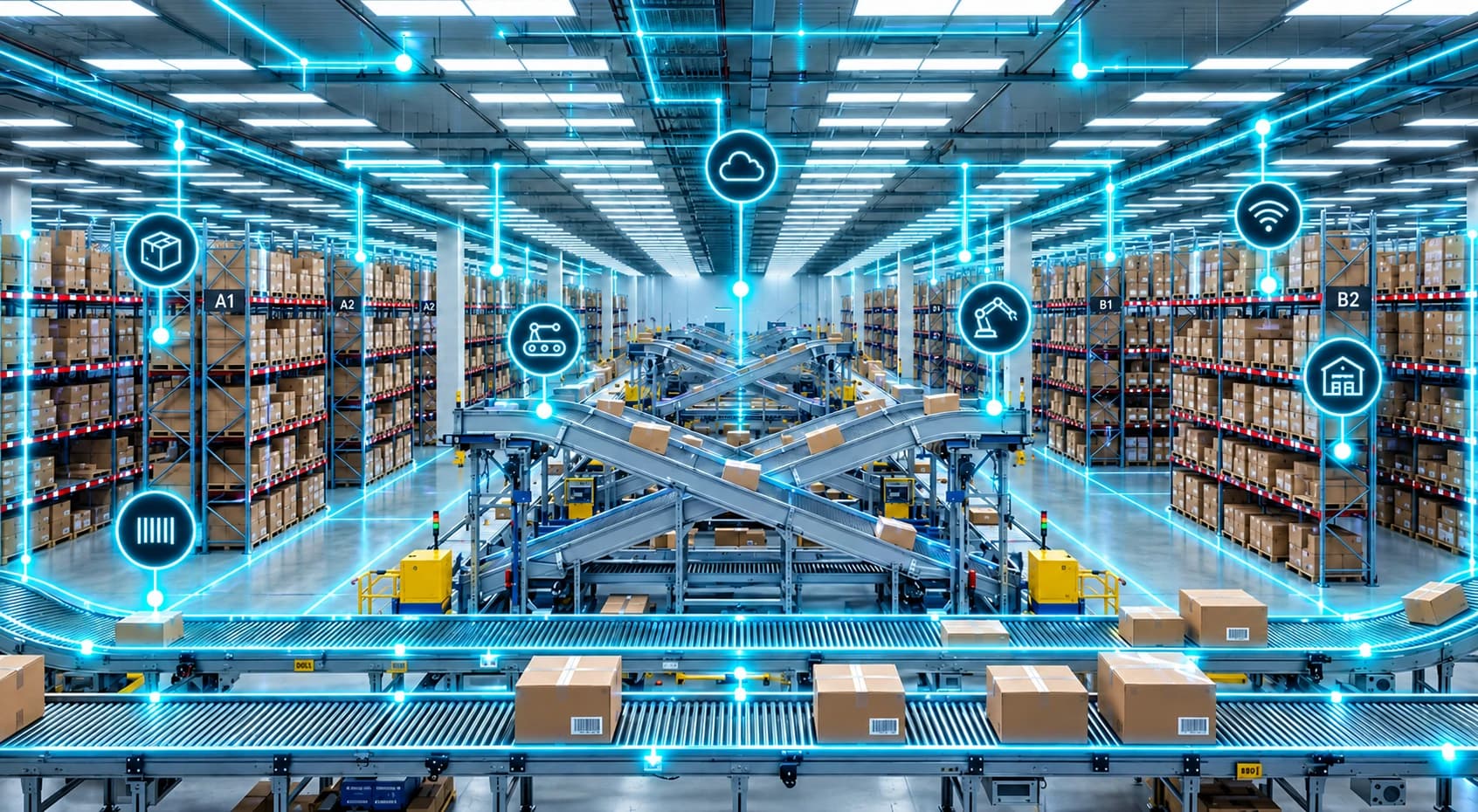
Warehousing & Logistics
Track connected equipment and material-handling systems, and set automated alerts across a facility instead of monitoring each system separately.
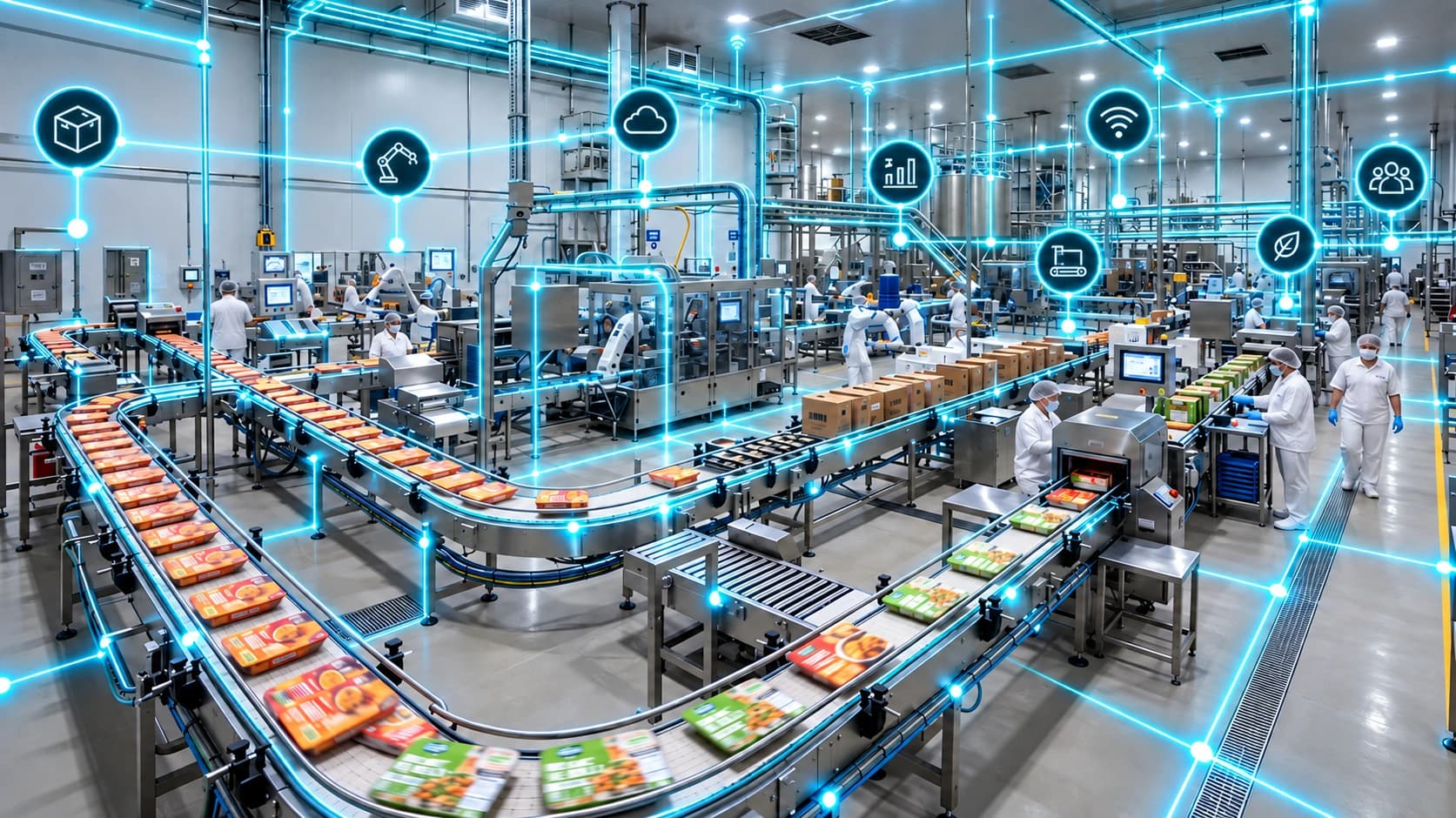
Food & Beverage
Filling, packaging and sealing lines are natural fits for Syntra's dashboards: throughput, scrap rate and downtime tracked from the same tags driving the equipment.
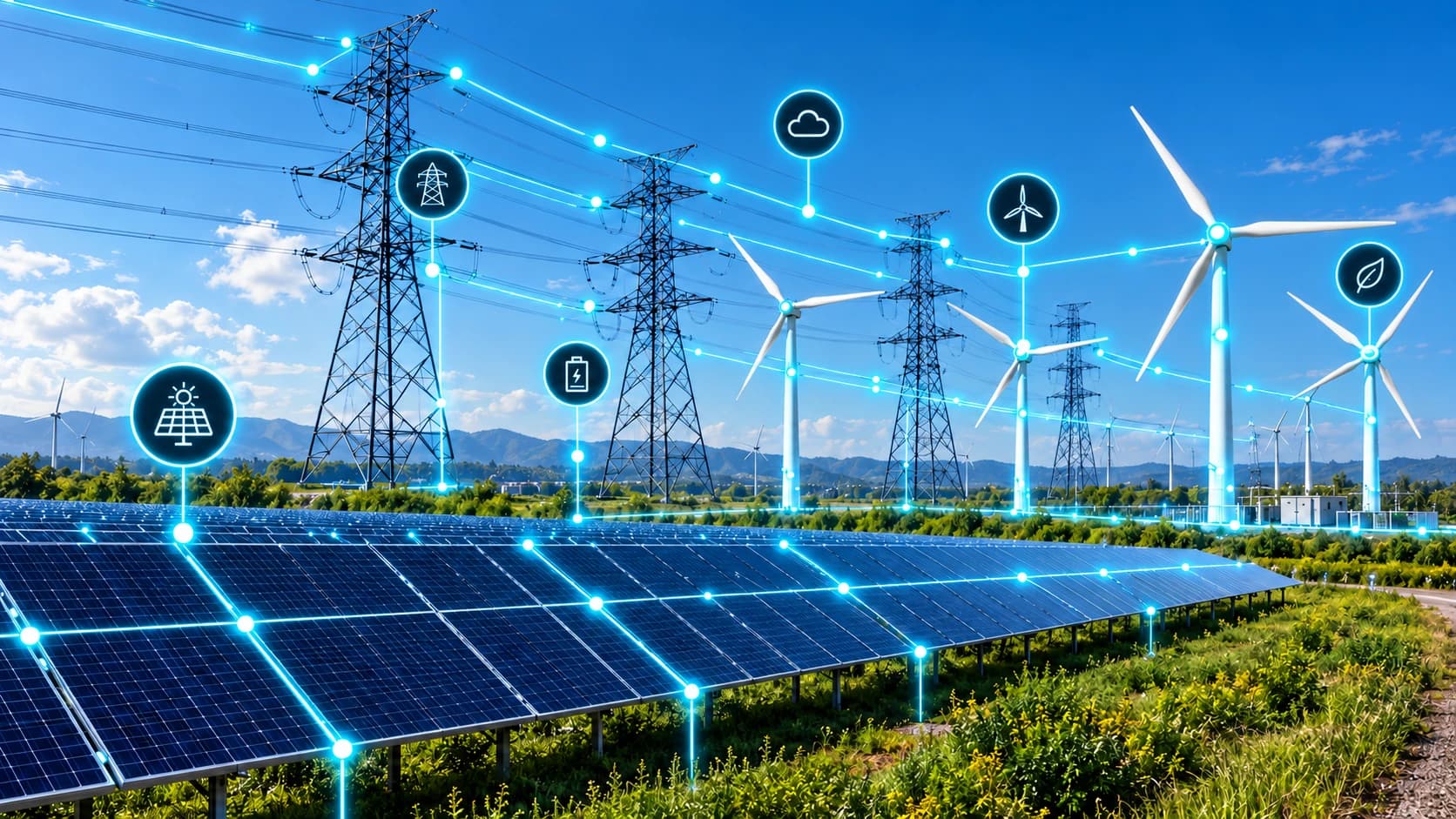
Energy & Utilities
SCADA-connected assets and process equipment can be brought into the same operational view as everything else on Syntra, rather than kept in a separate system.
Why teams choose Syntra over building this themselves
Fits alongside MES, ERP, SCADA, BI tools and historians, you're not replacing what you already have.
One platform for connectivity, dashboards, automation and 3D context, instead of stitching together separate tools.
Automation without scripting: rule chains are built visually and can be exported and reused across lines.
A deployment choice that includes fully on-premises, not just a cloud instance with your name on it.
Scales from a single line to multiple sites through role-based access and resource-scoped permissions, without re-architecting anything.
Questions worth asking before you commit
See Syntra running against your own equipment
Every floor has its own equipment, protocols and constraints. Bring yours, and we'll configure a working environment around them before you decide how to deploy.
Get in touch about Syntra
Tell us about your equipment, protocols and site constraints, and we'll follow up to schedule a demo or a technical call.